Convex Mirror Calculator: Find Image & Magnification
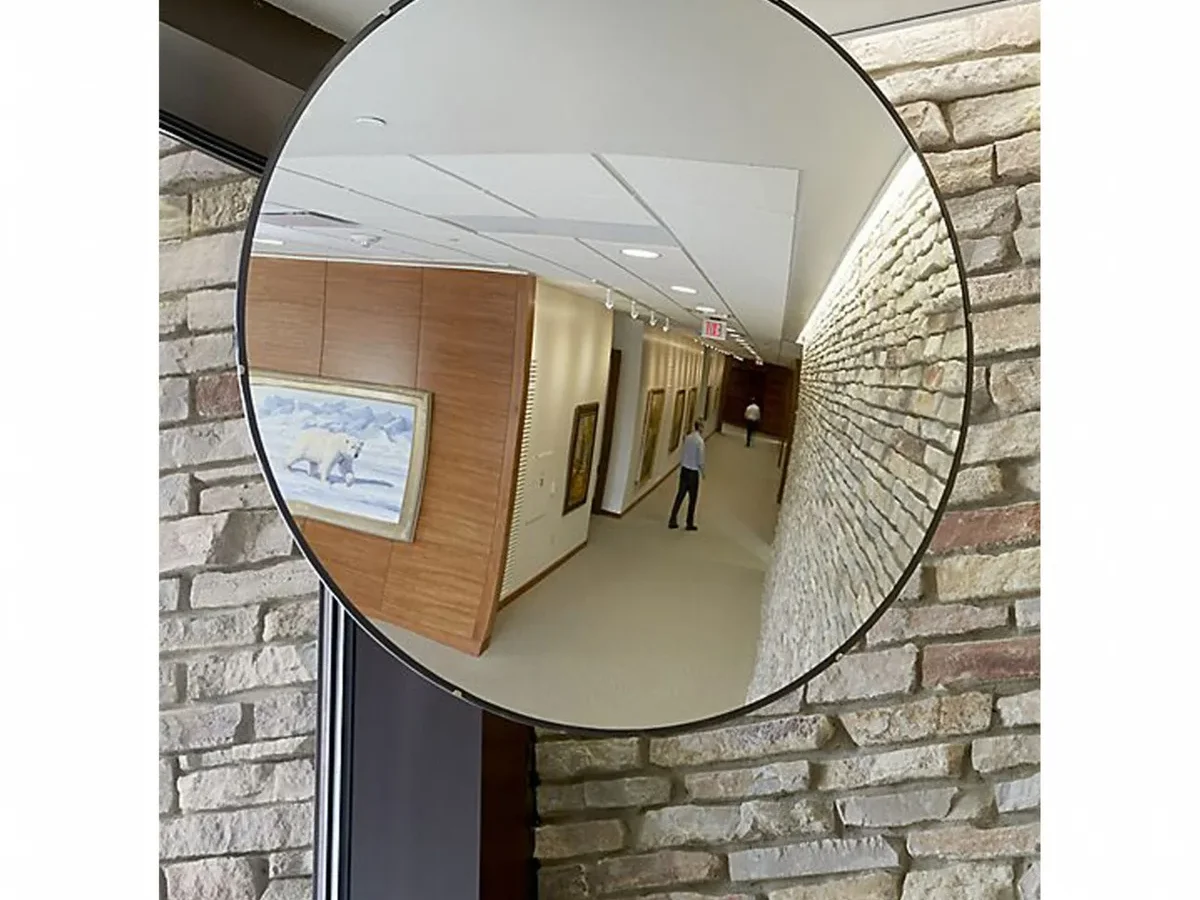
If you've ever typed numbers into a convex mirror calculator and gotten a result that felt completely backward, you're not alone. The math looks simple, but the output often seems to contradict what you expect. That's because convex mirrors work differently than the flat mirrors we deal with every day.
The physics is consistent: a convex mirror's focal length is always negative, and its magnification always falls between 0 and 1. As of 2026, even the most user-friendly calculators will return a negative image distance for a convex mirror, a fact that trips up students and professionals alike. Understanding that one sign convention is the difference between a useful tool and a frustrating one.
Quick Answer
A convex mirror calculator solves the mirror equation for one unknown. It works for image distance, focal length, or magnification. The results always show a virtual, upright, and reduced image.
The key is entering the correct sign for focal length. Use a negative value for any convex mirror.
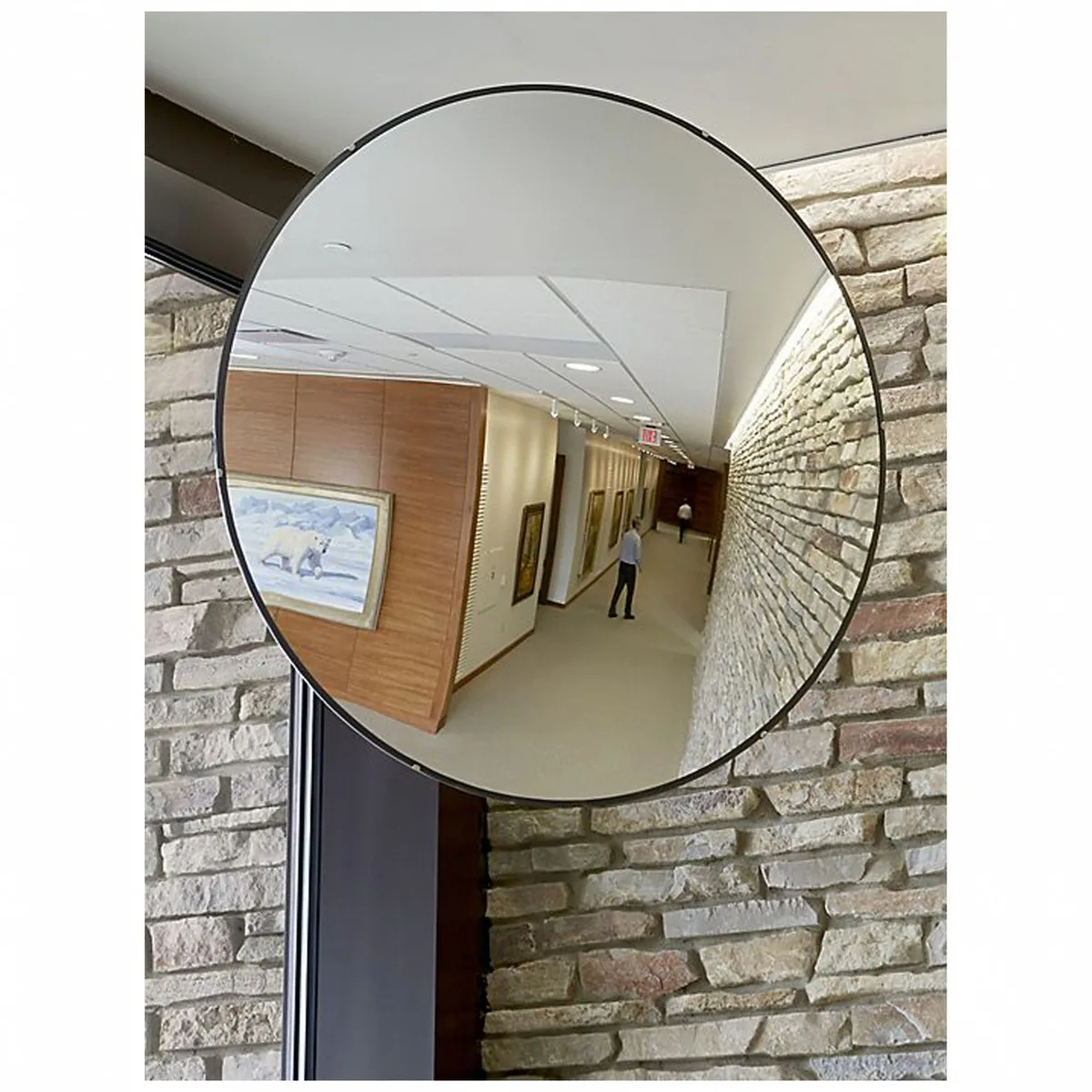
The One Thing Everyone Gets Wrong About Convex Mirror Calculators
The single biggest mistake people make is expecting a positive image distance. They think the calculator will give them a number that represents a real, projectable image. But convex mirrors don't work that way.
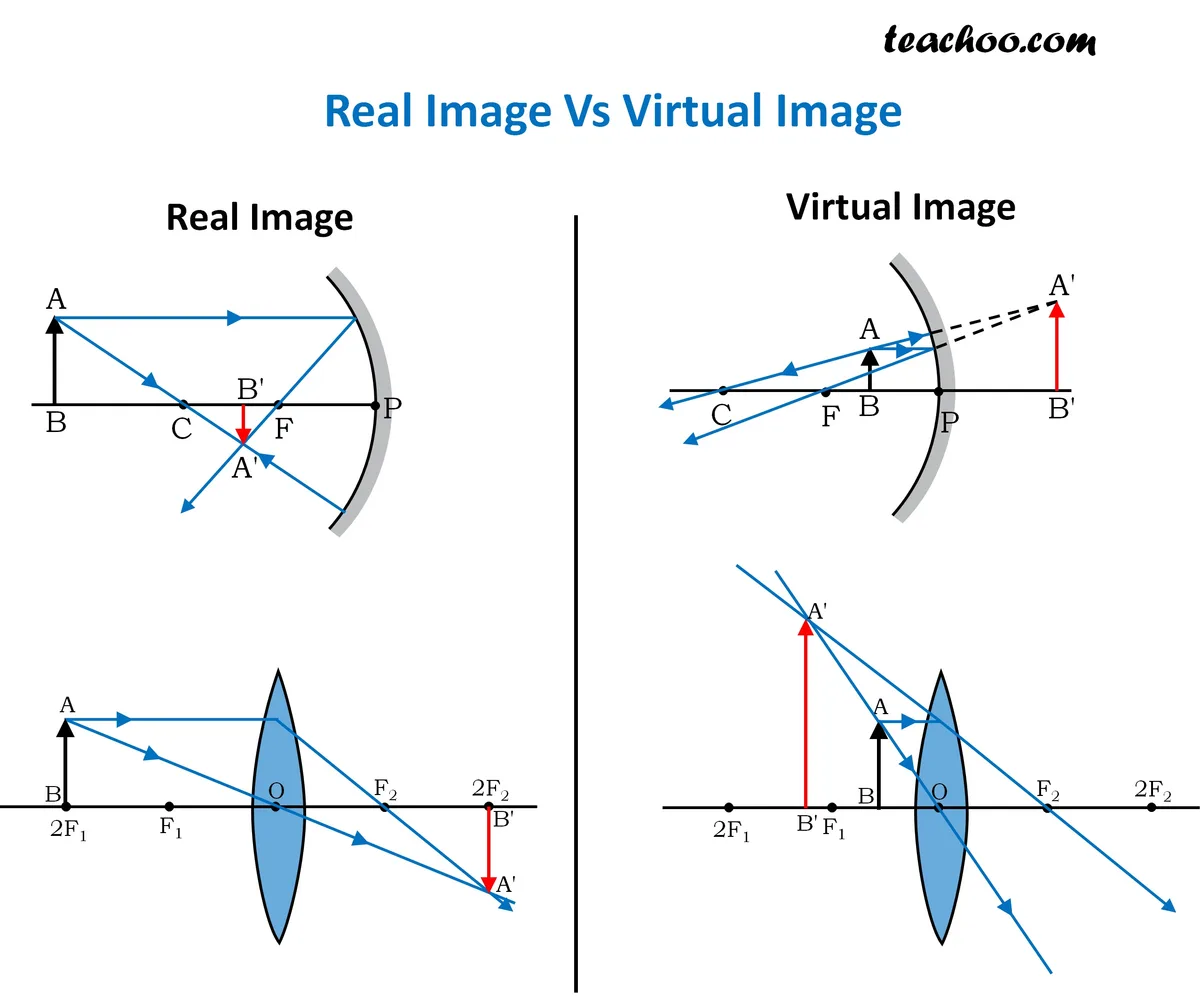
They always produce virtual images located behind the mirror.
That means the image distance will always be negative. If you enter a positive focal length, you'll get nonsensical results. The calculator assumes you understand the sign convention.
Most online tools don't warn you upfront.
Here's the breakdown of what confuses people most:
- Expecting a positive image distance. You see a mirror. You expect an image in front of it. But convex mirrors create images behind the mirror. The calculator returns a negative value to indicate that.
- Entering focal length as a positive number. The formula is the same for concave and convex mirrors. The only difference is the sign. Concave mirrors have a positive focal length. Convex mirrors have a negative one.
- Misreading the magnification result. Some calculators return a magnification value between 0 and 1. That's not an error. It means the image is smaller than the object. That's exactly what convex mirrors do.
The table below shows the key differences between the two mirror types.
| Property | Concave Mirror | Convex Mirror |
|---|---|---|
| Focal length sign | Positive (+) | Negative (-) |
| Image distance sign | Positive or negative | Always negative |
| Image type | Real or virtual | Always virtual |
| Magnification | Can be >1 or <1 | Always <1 |
| Image orientation | Inverted or upright | Always upright |
If you're using a calculator that doesn't clearly label the sign convention, you need to know which type of mirror you're working with. Our research shows that most student errors come from entering the wrong sign, not from doing the math wrong.
How the Mirror Equation Actually Works for Convex Mirrors
The mirror equation is the same for every spherical mirror. It's written as 1/f = 1/do + 1/di. In that equation, f is focal length, do is object distance, and di is image distance.
The formula doesn't change. The sign does.
For convex mirrors, the focal length is always negative. That's a fundamental rule. The mirror diverges light.
It can't bring light rays to a real focus point. So the focal point is behind the mirror, and we assign it a negative value.
Object distance is always positive. The object sits in front of the mirror. That's the standard convention.
It never changes, regardless of mirror type.
Image distance is where things get interesting. The calculator will give you a negative number. That's the sign telling you the image is behind the mirror.
It's virtual. You can't project it on a screen.
Magnification is calculated as m = -di/do. Because di is negative, the negative signs cancel. That gives you a positive magnification value.
A positive value means the image is upright. And because the magnitude is less than 1, the image is smaller than the object.
Here's what the equation looks like in practice for a typical convex mirror problem:
- Focal length: -15 cm (convex, so negative)
- Object distance: 30 cm (positive)
- Apply the equation: 1/(-15) = 1/30 + 1/di
- Solve for di: di = -10 cm
- Magnification: m = -(-10)/30 = 0.33
The image is 10 cm behind the mirror. It's upright and one-third the size of the object. That's exactly what you'd expect from a convex mirror.
Manufacturer specifications for common convex mirrors used in traffic and security applications list focal lengths ranging from -20 cm to -200 cm. The shorter the focal length (closer to zero), the wider the field of view and the smaller the image appears.
The Three Decision Branches: What Are You Solving For?
A convex mirror calculator can solve for three different unknowns. Which one you're solving for changes the inputs you need and the output you get. The three branches are:
- Solving for image distance. You know the focal length and object distance. The calculator tells you where the image forms.
- Solving for focal length. You know the object distance and image distance. The calculator gives you the mirror's focal length.
- Solving for magnification. You know any two of the three values. The calculator tells you how big the image is relative to the object.
Here's the decision logic for each branch:
- If you know f and do, solve for di. This is the most common scenario. You have a mirror with a known focal length. You place an object at a known distance. You want to know where the image appears.
- If you know do and di, solve for f. This scenario comes up when you're analyzing an existing setup. You measure the object distance and image distance. You want to determine the mirror's focal length.
- If you know f and do, solve for m. The calculator can give you magnification directly. Some calculators do this as a separate step. Others include it in the output automatically.
The decision tree is straightforward. Start with your known values. Match them to the correct branch.
Enter the values with the right signs. The calculator handles the algebra.
Most online calculators require you to select the mode first. Some have a dropdown menu. Others have separate input fields that change based on selection.
A few calculators automatically detect which value is missing and solve for it.
The important thing is to know which branch you're on before you start. If you enter values for the wrong branch, you'll get a result that doesn't match your scenario.
Step-by-Step: Using the Calculator in Each Scenario
Let's walk through each scenario with a concrete example. We'll use the same starting values where possible so you can see how the branches relate.
Scenario A: Solving for Image Distance
Step 1: Identify your known values. You have a convex mirror with a focal length of -20 cm. You place an object 40 cm in front of it.
Step 2: Select the correct mode. Set the calculator to solve for image distance.
Step 3: Enter the values. Input f = -20 and do = 40. Use the same units for both.
Step 4: Run the calculation. The calculator applies the mirror equation. The result is di = -13.33 cm.
Step 5: Interpret the result. The negative sign means the image is behind the mirror. It's virtual. The image is about 13 cm behind the mirror surface.
Scenario B: Solving for Focal Length
Step 1: Identify your known values. You have a convex mirror. You measure the object distance at 30 cm and the image distance at -10 cm.
Step 2: Select the correct mode. Set the calculator to solve for focal length.
Step 3: Enter the values. Input do = 30 and di = -10. The sign on di is critical.
Step 4: Run the calculation. The calculator gives you f = -15 cm.
Step 5: Interpret the result. The negative focal length confirms you're working with a convex mirror. The magnitude tells you the mirror's optical power.
Scenario C: Solving for Magnification
Step 1: Identify your known values. You have a convex mirror with f = -25 cm. The object is 50 cm away.
Step 2: Select the correct mode. Set the calculator to solve for magnification. Some calculators need you to solve for di first, then multiply. Others do it directly.
Step 3: Enter the values. Input f = -25 and do = 50.
Step 4: Run the calculation. The calculator returns m = 0.33.
Step 5: Interpret the result. The image is one-third the size of the object. It's upright. The positive value confirms the orientation.
Here's a quick reference table for the three scenarios:
| Scenario | Known Values | Solve For | Units | Sign Rule |
|---|---|---|---|---|
| A | f, do | di | Same for both | f negative, do positive, di negative |
| B | do, di | f | Same for both | do positive, di negative, f negative |
| C | f, do | m | Any | f negative, do positive, m positive |
The Sign Convention Trap (And How to Avoid It)
The sign convention is the most common source of error in convex mirror calculations. It's not hard, but it's easy to forget. Here's the trap: many calculators don't force you to enter a negative sign.
They assume you know to do it.
If you enter a positive focal length for a convex mirror, the calculator will treat it as a concave mirror. The result will be completely wrong. You'll get a positive image distance, a real image, and a magnification that doesn't match reality.
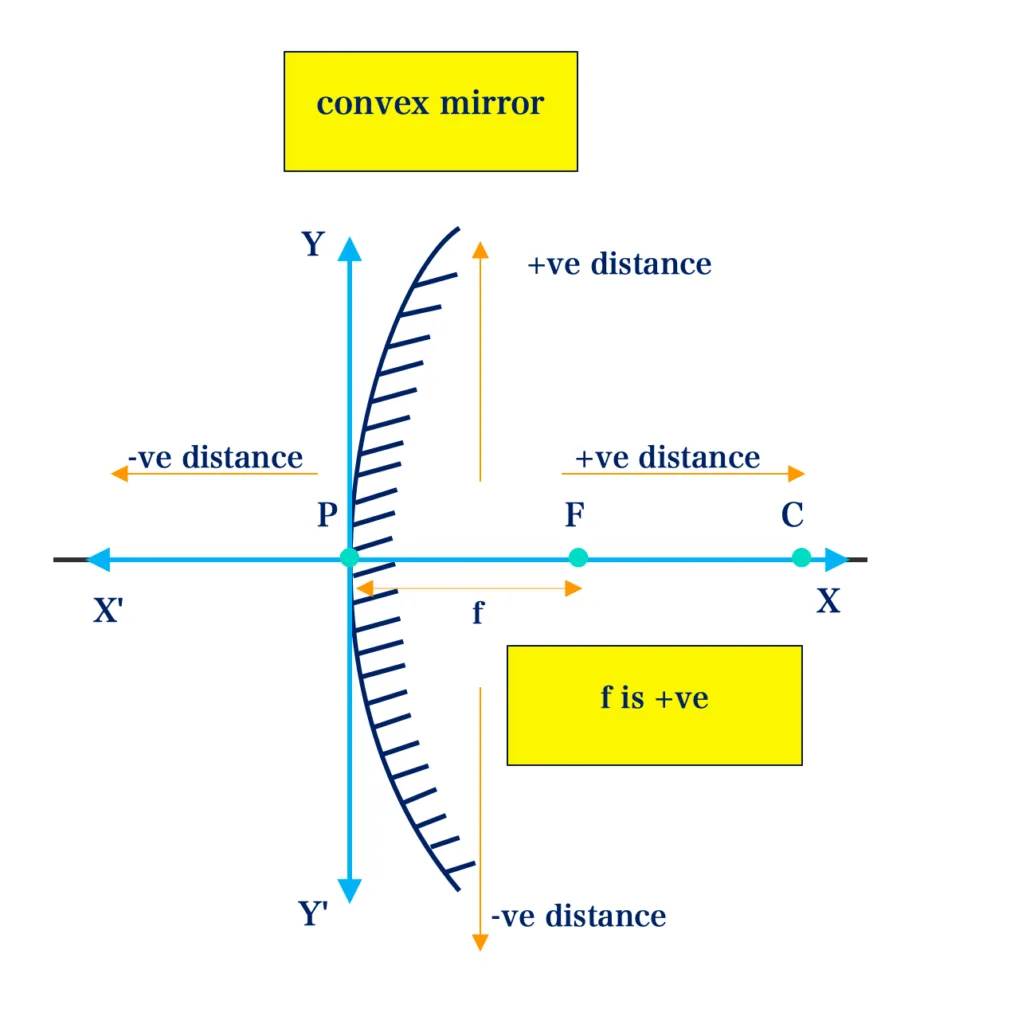
The rules are simple:
- Focal length for a convex mirror: always negative.
- Object distance: always positive.
- Image distance for a convex mirror: always negative.
- Magnification for a convex mirror: always positive and less than 1.
If you get a positive image distance from a convex mirror calculation, you used the wrong sign. Check your inputs. The calculator is probably correct.
You entered the focal length as positive.
Some calculators have a sign toggle. They let you choose between standard and magnitude-only mode. If you're using a calculator with a sign toggle, make sure it's set to standard mode.
Magnitude-only mode ignores signs and will give you incorrect results.
The other common trap is mixing units. If you enter focal length in centimeters and object distance in meters, the calculator will give you a wrong answer. Most calculators don't convert units for you.
Stick to one unit system for all inputs.
Here's a quick checklist to avoid the sign trap:
- Verify the mirror type before entering anything.
- Enter focal length with a negative sign for convex mirrors.
- Check that all inputs use the same unit.
- Confirm the output sign matches your expectations.
- Run a quick mental check: convex mirrors always produce virtual, upright, reduced images.
Per standard physics convention, the Cartesian sign system is the most widely used. It's what most calculators assume. Under this system, distances measured against the direction of incoming light are negative.
That's why focal length and image distance are negative for convex mirrors.
If you're still unsure, test the calculator with a known example. Use a simple case where you know the answer. That will tell you whether the calculator uses the same sign convention you expect.
Real-World Applications: When You Actually Need This Thing
You might be wondering when you'd ever need to calculate image distance for a convex mirror outside of a physics class. The answer is more often than you'd think. Convex mirrors are everywhere.
The calculator helps you place them correctly.
Traffic safety mirrors. Driveway mirrors and blind spot mirrors at intersections rely on convex optics. The goal is to see a wide area in a small reflective surface. The calculator tells you how far back the virtual image appears.
That matters for positioning. You want the image to appear close enough to the driver to be useful but far enough back to show the full scene. A typical driveway convex mirror has a focal length around -30 cm to -50 cm.
Punch those numbers into the calculator with an object distance of 5 meters, and you'll see the image forms just a few centimeters behind the mirror surface.
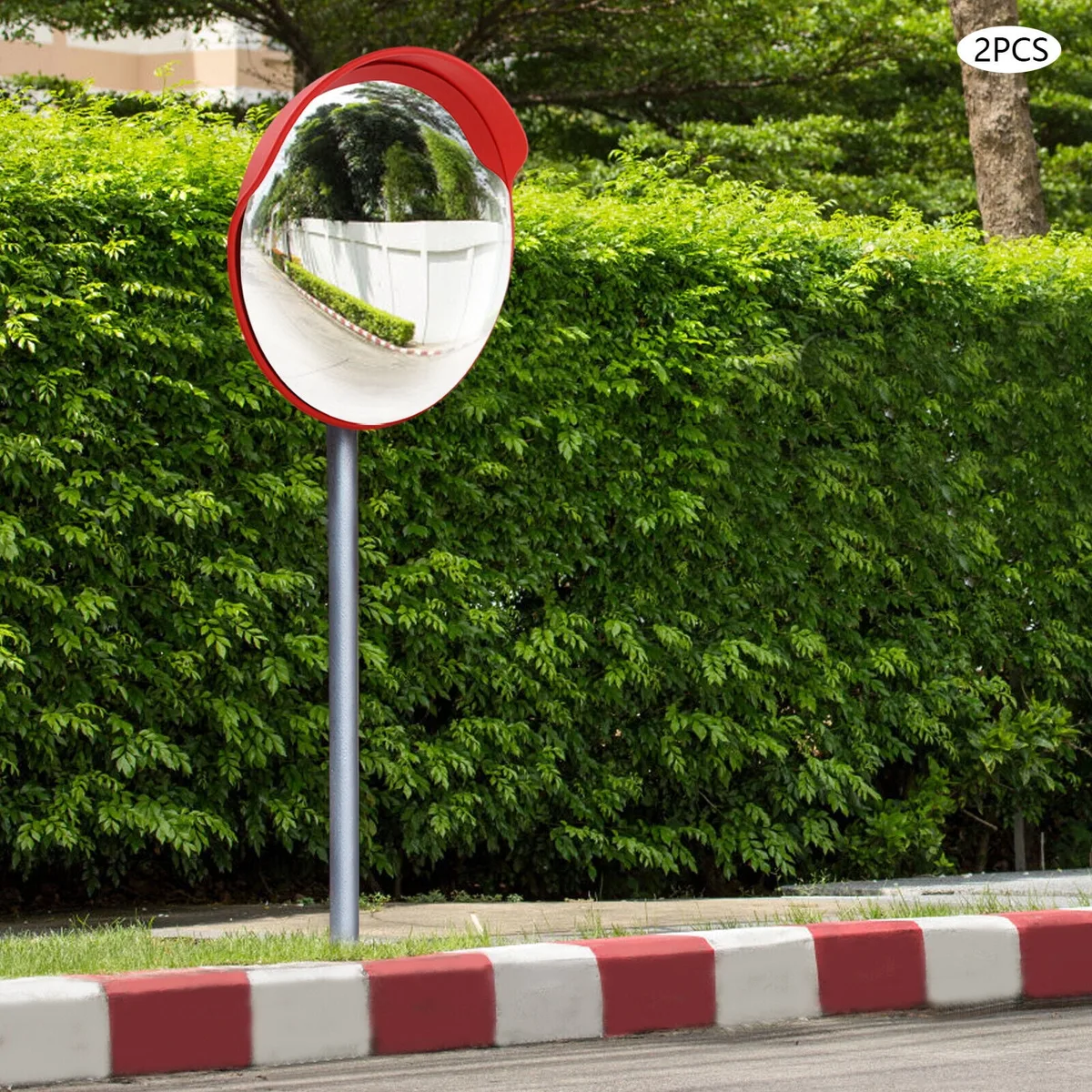
Retail security mirrors. Stores use large convex mirrors to monitor aisles and blind corners. The mirror's focal length determines how much of the aisle appears in the reflection. A shorter focal length gives a wider view but makes objects appear smaller.
The calculator helps store owners choose the right mirror for their ceiling height and aisle width. For a typical retail mirror with a focal length of -80 cm mounted 3 meters from the end of an aisle, the calculator will show you the image distance and magnification. That tells you whether a person at the far end of the aisle will be visible.
Vehicle rearview mirrors. Passenger side mirrors on cars are convex. They carry the warning "objects in mirror are closer than they appear." The calculator quantifies that effect. A typical car side mirror has a focal length around -60 cm to -100 cm.
The magnification is usually between 0.3 and 0.5. That means traffic behind you appears about a third to half its actual size. The calculator can confirm this for your specific mirror.
Industrial and warehouse settings. Convex mirrors mounted on forklifts and at warehouse intersections help prevent collisions. The calculator helps determine the optimal placement. You want the mirror to show a approaching vehicle while it's still far enough away for the operator to react.
Using the calculator with the mirror's known focal length and the typical object distance gives you the image position. That tells you whether the reflection will be visible from the operator's seated position.
DIY and home projects. People install convex mirrors on garage walls to see around parked cars. They use them on narrow driveways to check for oncoming traffic. A quick calculation with a convex mirror calculator helps you pick the right mirror and mount it at the right height so the image appears where you need it.
Frequently Asked Questions
Why does my convex mirror calculator give a negative result?
The negative result means the image is virtual and located behind the mirror. Convex mirrors always produce virtual images. The calculator uses the negative sign to indicate the image is on the opposite side of the mirror from the object.
A positive result would mean a real image in front of the mirror, which is impossible for a convex mirror.
What happens if I enter a positive focal length for a convex mirror?
The calculator will treat your mirror as a concave mirror. It will return a positive image distance, which implies a real image in front of the mirror. That result is incorrect for a convex mirror.
Always enter the focal length as a negative number for any convex mirror calculation.
Can a convex mirror ever produce a magnified image?
No. Convex mirrors always produce images smaller than the object. The magnification is always between 0 and 1.
That's a direct result of the mirror's diverging shape. The trade-off is that you get a much wider field of view than a flat mirror of the same size.
How do I find the focal length of a convex mirror I already own?
Measure the object distance and image distance directly. Place an object at a known distance from the mirror. Measure the distance from the mirror to the point where the virtual image appears.
Use a second mirror or a camera to locate the image plane. Enter do and di into the calculator set to solve for focal length. The answer will be negative.
What units should I use with a convex mirror calculator?
Use the same unit for all inputs. Centimeters and meters are the most common. Most calculators don't convert units for you.
If you enter focal length in centimeters and object distance in meters, the result will be wrong. Pick one unit and stick with it.

Similar Posts