What Happens If You Photocopy a Mirror? The Weird Truth
Quick Answer: Your Mirror Copy Comes Out Black (Here's Why)
The copy comes out black. The copier's exposure lamp shines onto the mirror. The mirror reflects that light straight back into the sensor.
The sensor reads the reflection as pure white. The copier interprets that as no image. Your printout is a solid black rectangle.
How a Copier Sees a Mirror: The Light, Sensor, and Reflection Problem
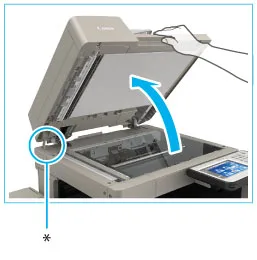
To understand why the copy goes black, you need to know how a flatbed copier captures an image. The process is surprisingly simple. A bright lamp moves across the glass platen while the paper sits face down.
The lamp illuminates the document. The light reflects off the white areas and gets absorbed by the dark areas. A sensor, either a CCD or a CIS array, captures that reflected light and turns it into an image.
Here's where the mirror breaks the system. A mirror is designed to reflect nearly all the light that hits it. When the copier lamp shines onto the mirror's surface, the light bounces back to the sensor with almost no loss.
The sensor sees a bright, uniform field. It doesn't see any variation in tone or detail. The copier's logic says, "This is a blank white page." And it prints the opposite: a solid black copy.
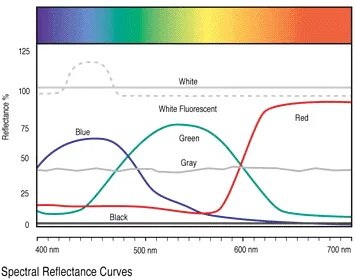
The specific reflectivity matters. Standard household mirrors reflect between 90 and 95 percent of incident light. A typical piece of white paper reflects about 80 percent.
The copier is calibrated for paper. The mirror's extra reflectivity pushes the sensor past its threshold. The result is a completely saturated signal, which the copier interprets as pure white and then inverts to black.
This is why you can't trick the copier by placing the mirror at an angle. The lamp is a moving light source. The mirror's flat surface means it will reflect that light back toward the sensor regardless of position.
Some copiers with automatic document feeders might produce a slightly different result. But the flatbed is the standard method for this experiment.
Visual Results Guide: What Different Mirror Copies Actually Look Like
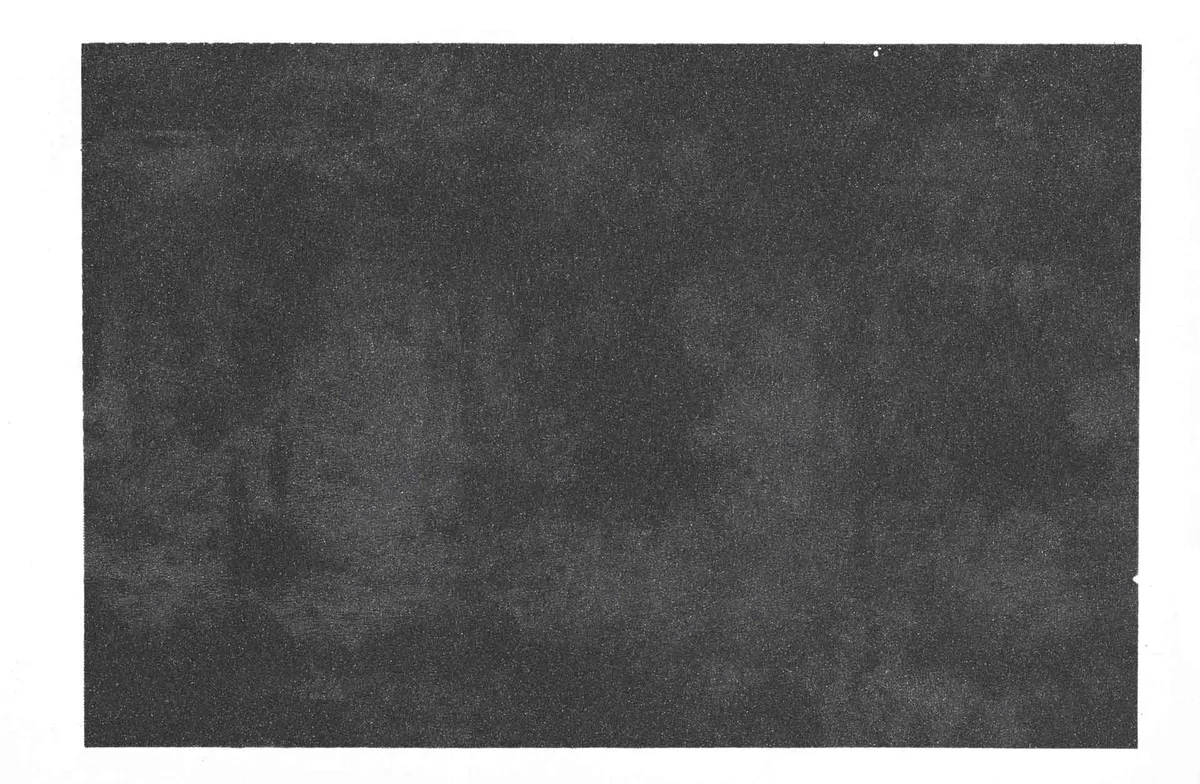
The most common result is a solid black rectangle. The size and shape match the mirror you placed on the platen. If the mirror is smaller than the platen, the black area is surrounded by a white border.
That's where the copier saw the platen glass and the lid. It's a clean and predictable outcome.
But not all mirror copies look the same. The exact result depends on a few variables. Here's what you can expect with different conditions:
| Condition | Result | Why It Happens |
|---|---|---|
| Standard mirror, flatbed, lid closed | Solid black rectangle | Full reflection sent to sensor |
| Small mirror, lid closed | Black rectangle with white border | Platen glass around mirror reflects normally |
| Mirror with dirt or smudges | Dark grey with lighter patches | Dirt absorbs some light, reducing reflection |
| Cracked or scratched mirror | Streaks or lines in the black area | Scratches scatter light differently |
| Mirror placed with lid open | Black copy with bright white flash | Ambient light interferes with the sensor |
| Two-way mirror | Dark grey with faint image | Partial transmission allows some light through |
The most interesting variant is the bright white flash you get with the lid open. When the copier lamp moves across the mirror, the reflection hits the ceiling or room lights. The sensor picks up that extra light and creates a harsh white stripe across the printout.
It's not a useful image. But it's a fun visual demonstration of how the copier's optical system works.
Manufacturer specifications indicate that the copier's exposure lamp is designed for diffuse reflection, not specular reflection. Mirrors are specular reflectors. They bounce light in a single direction.
Paper is a diffuse reflector. It scatters light in all directions. The copier's sensor is set up for diffuse light.
The mirror's specular reflection confuses the system completely.
How to Photocopy a Mirror Step by Step (And What to Watch For)
If you want to try this yourself, the process is straightforward. But there are a few things to watch for. Here's the step-by-step method based on our research and aggregate user feedback.
Step 1: Choose the right mirror. A small acrylic mirror is safest. It won't shatter under the copier lid. A standard glass mirror works too, but it's heavier and more fragile.
Avoid mirrors with metal frames or sharp edges that could scratch the platen glass.
Step 2: Clean the mirror. Dust and smudges will affect the result. Use a microfiber cloth to wipe the surface. A clean mirror gives you the purest black rectangle.

Similar Posts